Introduction
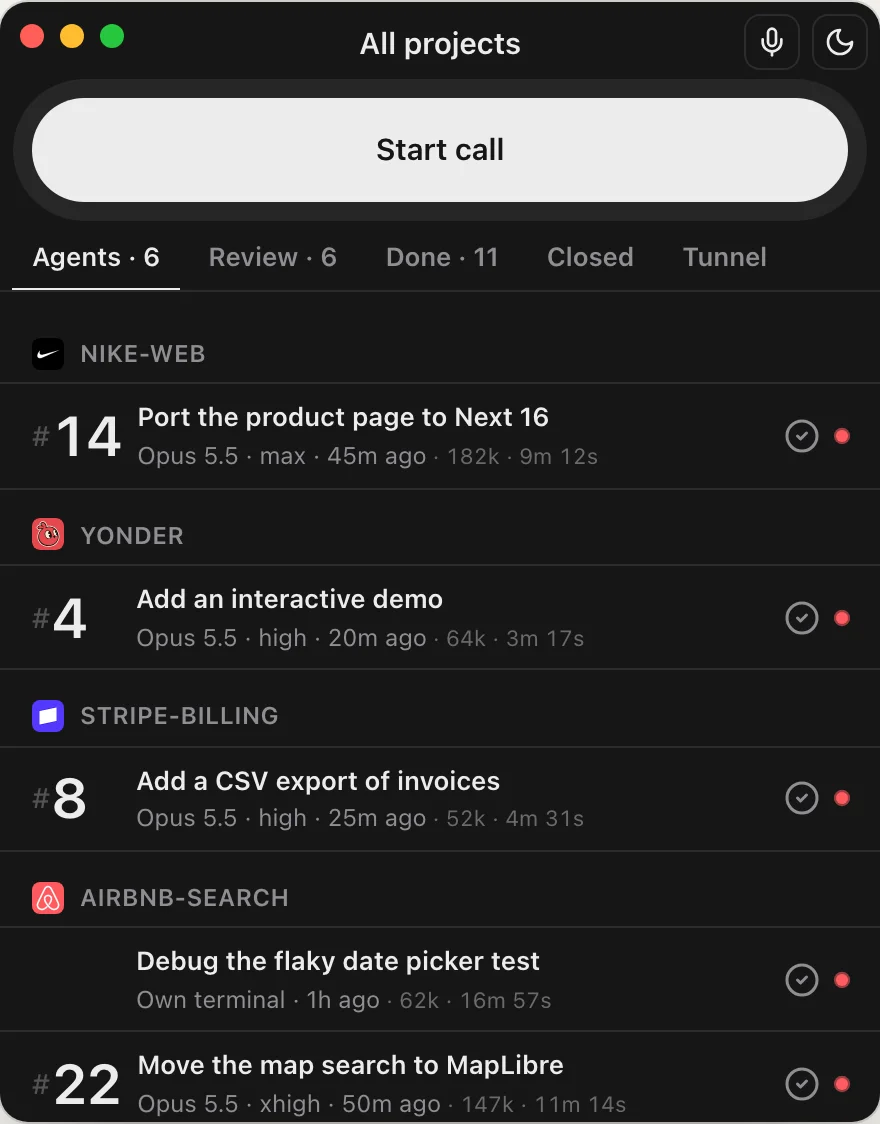
Yonder lets you control the coding agents on your Mac from your phone. You chat or talk on the phone. The agents do the work on the Mac.
You need
- A Mac with Apple silicon, or a Linux server.
- Claude Code on that computer, signed in.
- The Yonder app on an iPhone or an Android phone.
 Download Yonder
How it works
- MacRuns the agents with your files, tools and logins.
- RelayPasses the messages. It cannot read them.
- PhoneSends the tasks and gets the replies.
Each message is encrypted end to end. Your code stays on your Mac. The phone works on any network: Wi-Fi or cellular.
Pair a phone
Do this one time for each phone.
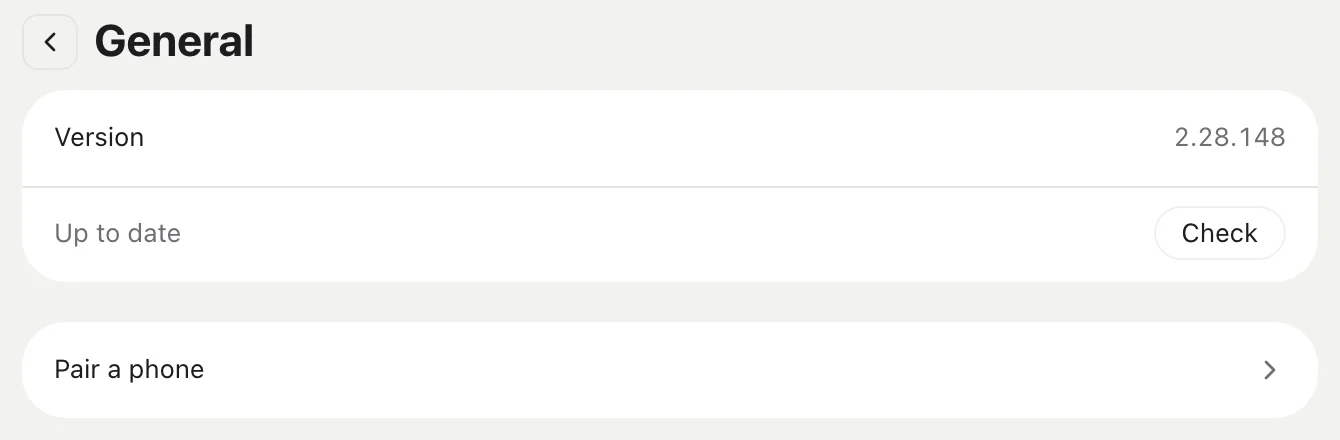
On the Mac, open Yonder. Go to Settings, then General, then Pair a phone. You can also select File > Pair Phone.
The Mac shows a QR code. The code works one time, for 5 minutes.
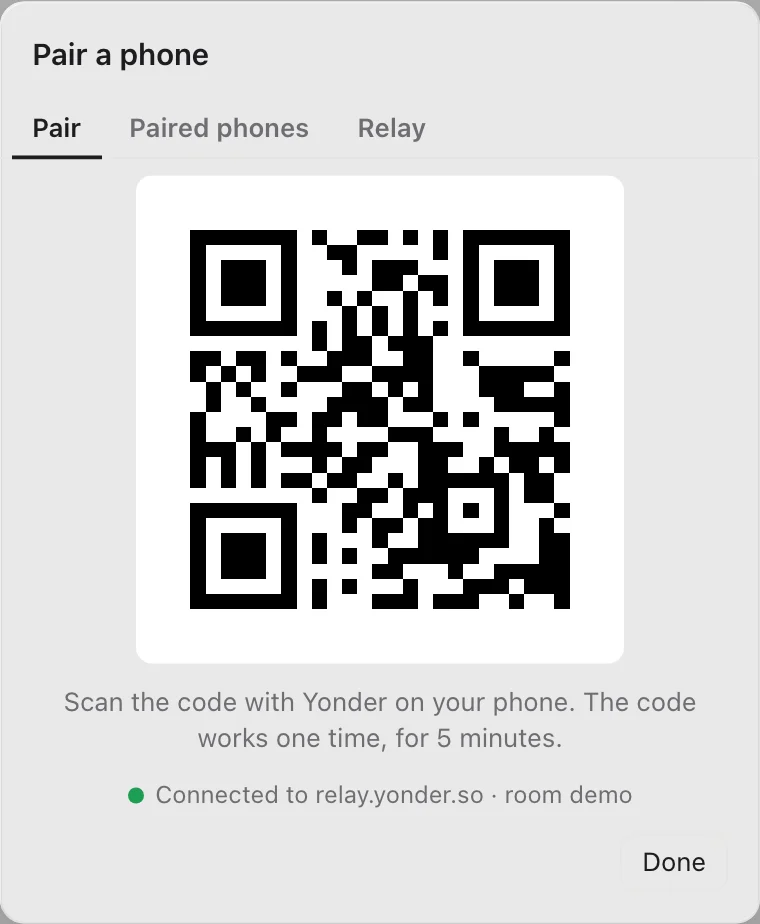
Open Yonder on the phone. Tap Scan the code, and point the camera at the QR code.

The Mac shows that the phone is paired. The phone now shows your agents.
On a Linux server
Run yonder pair over SSH. Scan the code in the terminal with the phone.
Add a second computer
On the phone, go to Settings and tap Pair a computer. Then scan the code of the second computer.
Remove a phone
On the Mac, open Pair a phone, then the Paired phones tab. Click Revoke next to the phone.